Introduction
Upgrading your existing water filtration system can significantly improve the quality of water in your home. With the rise of smart technology, Smart Water Box Solutions offer an innovative way to enhance your filtration process. This beginner-friendly guide will walk you through the steps to upgrade your water filtration system, making it more efficient and user-friendly.
Why Upgrade Your Water Filtration?
Your water filtration system plays a crucial role in ensuring that you and your family consume clean and safe water. Upgrading to a smart solution can provide numerous benefits:
- Improved Water Quality: Smart systems often utilize advanced filtration technologies.
- Real-time Monitoring: Check water quality and filter status through an app.
- Convenience: Automated alerts for filter changes and maintenance.
- Energy Efficiency: Smart systems can be designed to minimize waste.
Tools and Materials Needed
Before you begin, gather the following tools and materials:
- Basic Tools: Screwdriver, wrench, and pliers.
- Smart Water Box: Purchase a compatible smart water box filtration system.
- Replacement Filters: Make sure to get filters that are compatible with your smart water box.
- Teflon Tape: For sealing threaded connections.
- Bucket: To catch any water during the upgrade.
Step-by-Step Guide to Upgrade Your Water Filtration
Step 1: Turn Off the Water Supply
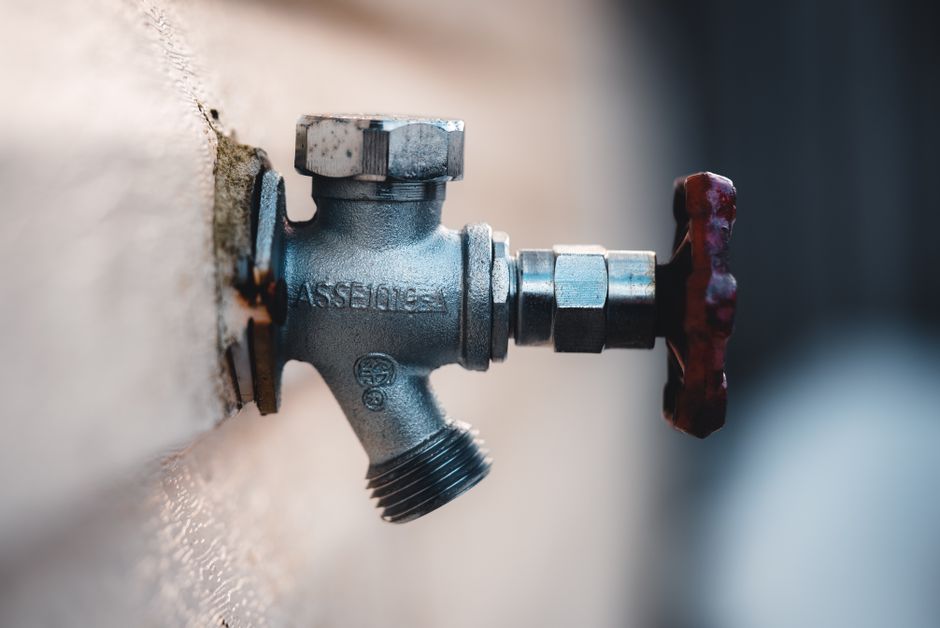
Before making any changes, ensure that you turn off the water supply to your filtration system. This step is crucial to prevent any leaks or flooding during the upgrade.
Step 2: Remove the Existing Filter
Using your screwdriver and wrench, carefully detach the existing water filter from your plumbing. Make sure to have your bucket ready to catch any residual water. Remove any hoses or connectors gently to avoid damage.
Step 3: Prepare the Smart Water Box
Unbox your Smart Water Box solution and review the manufacturer’s instructions. Assemble any components as required. Most smart water boxes come with clear guidelines, making it easy even for beginners.
Step 4: Install the Smart Water Box
Once your smart water box is ready, it’s time to install it. Follow these steps:
- Attach any hoses or connectors to the smart water box, ensuring a tight fit.
- Use Teflon tape on threaded connections to prevent leaks.
- Secure the smart water box in place using screws or brackets, if provided.
Step 5: Connect to Your Plumbing
Now it’s time to connect the smart water box to your existing plumbing. Follow these steps carefully:
- Reconnect the water supply line to the smart water box.
- Ensure all connections are tight and secure to avoid any leaks.
Step 6: Turn On the Water Supply
With everything connected, turn on the water supply slowly. Check for any leaks around the connections. If you notice any, turn off the water and tighten the connections as needed.
Step 7: Set Up the Smart Features
Once the installation is leak-free, it’s time to set up the smart features:
- Download the accompanying app for your smart water box.
- Follow the app instructions to connect the device to your Wi-Fi network.
- Set up alerts for filter changes and maintenance reminders.
Final Checks and Maintenance
After completing the installation, conduct a final check:
- Monitor water quality through the app.
- Regularly check your filter status and replace it according to the manufacturer's guidelines.
- Make sure to clean the smart water box as per the instructions to maintain optimal performance.
Resources for Further Assistance
If you encounter any difficulties during the upgrade, consider referring to Ted Water DIY for detailed plans and troubleshooting tips. Their extensive resources can help you optimize your water filtration system further.
Conclusion
Upgrading your existing water filtration system with a Smart Water Box solution can significantly enhance your home’s water quality. Not only does it simplify monitoring and maintenance, but it also ensures that you and your family have access to clean water with minimal effort. Follow this guide step by step, and enjoy the benefits of your new smart water filtration system!
FAQ
1. How often should I change my smart water filter?
It typically depends on usage, but most smart filters need to be changed every 6 to 12 months. Check the manufacturer's guidelines for specific recommendations.
2. Can I install a smart water box myself?
Yes! This guide is designed for beginners, and with basic tools and careful following of the steps, you can install it yourself.
3. What happens if my smart water box detects a leak?
Most smart water boxes will send you an alert through the app, allowing you to take immediate action to prevent water damage.
📚 Related Articles
🔨 Want 16,000+ Water DIY Plans?
Get instant access to step-by-step plans with blueprints and cut lists.
Get Instant Access →